
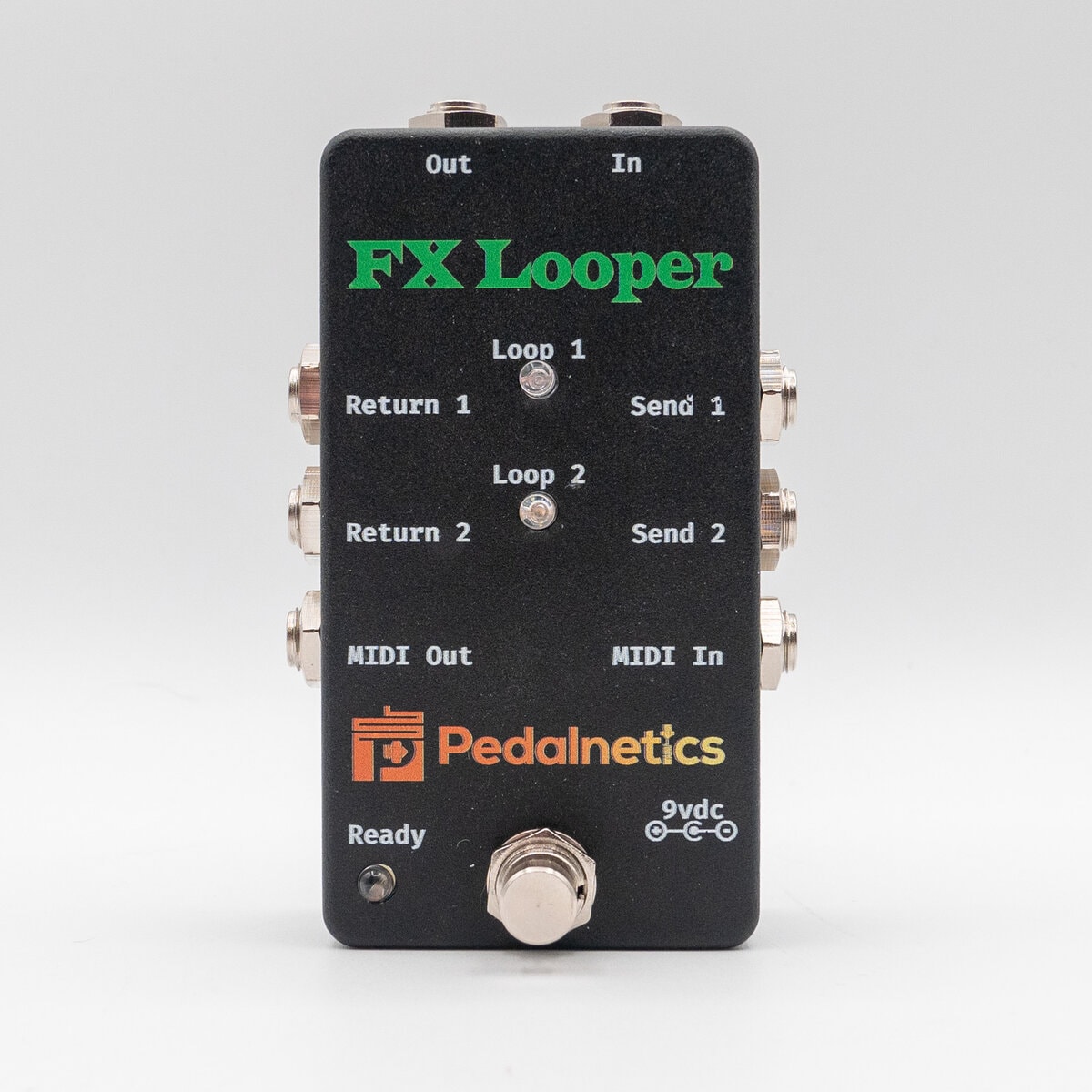
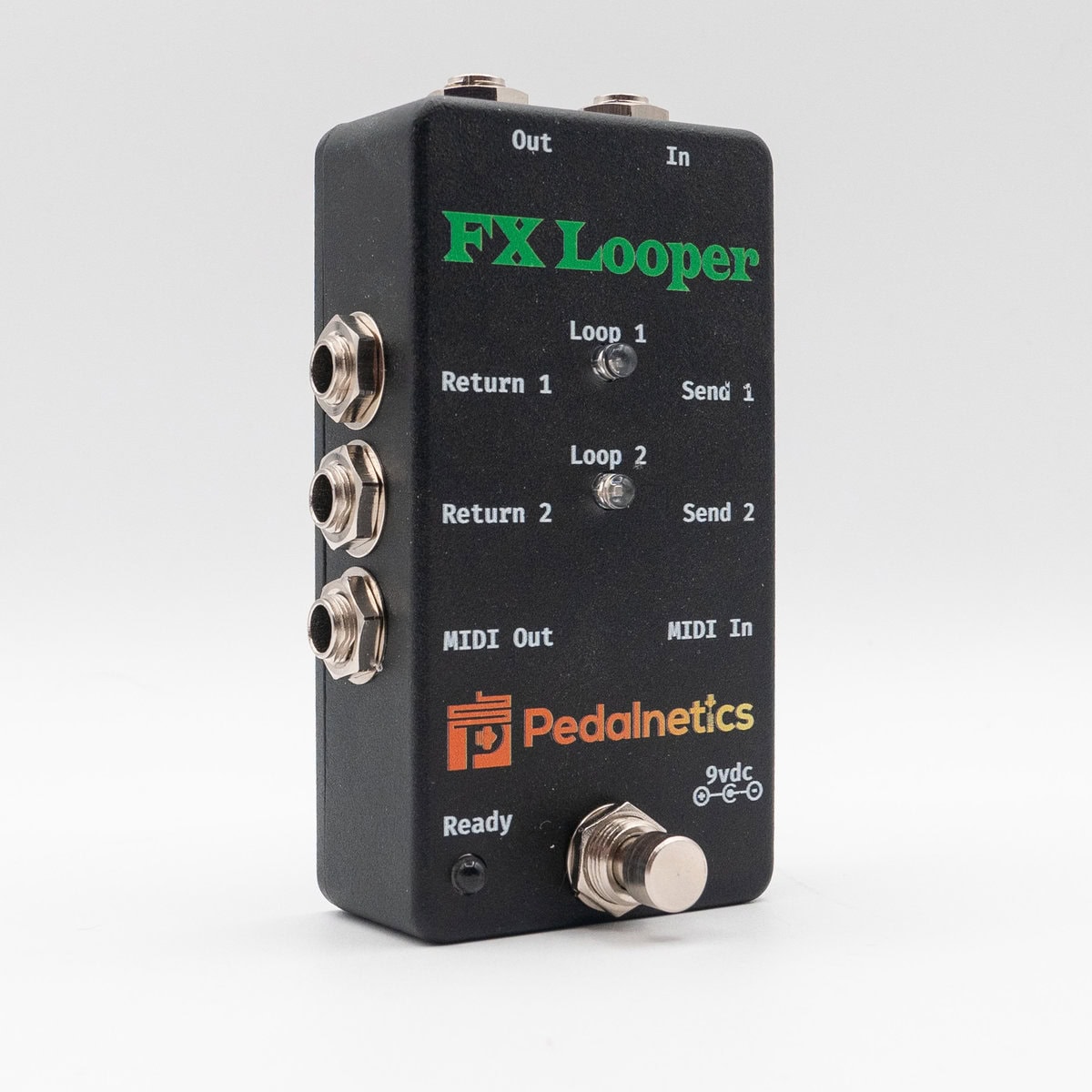
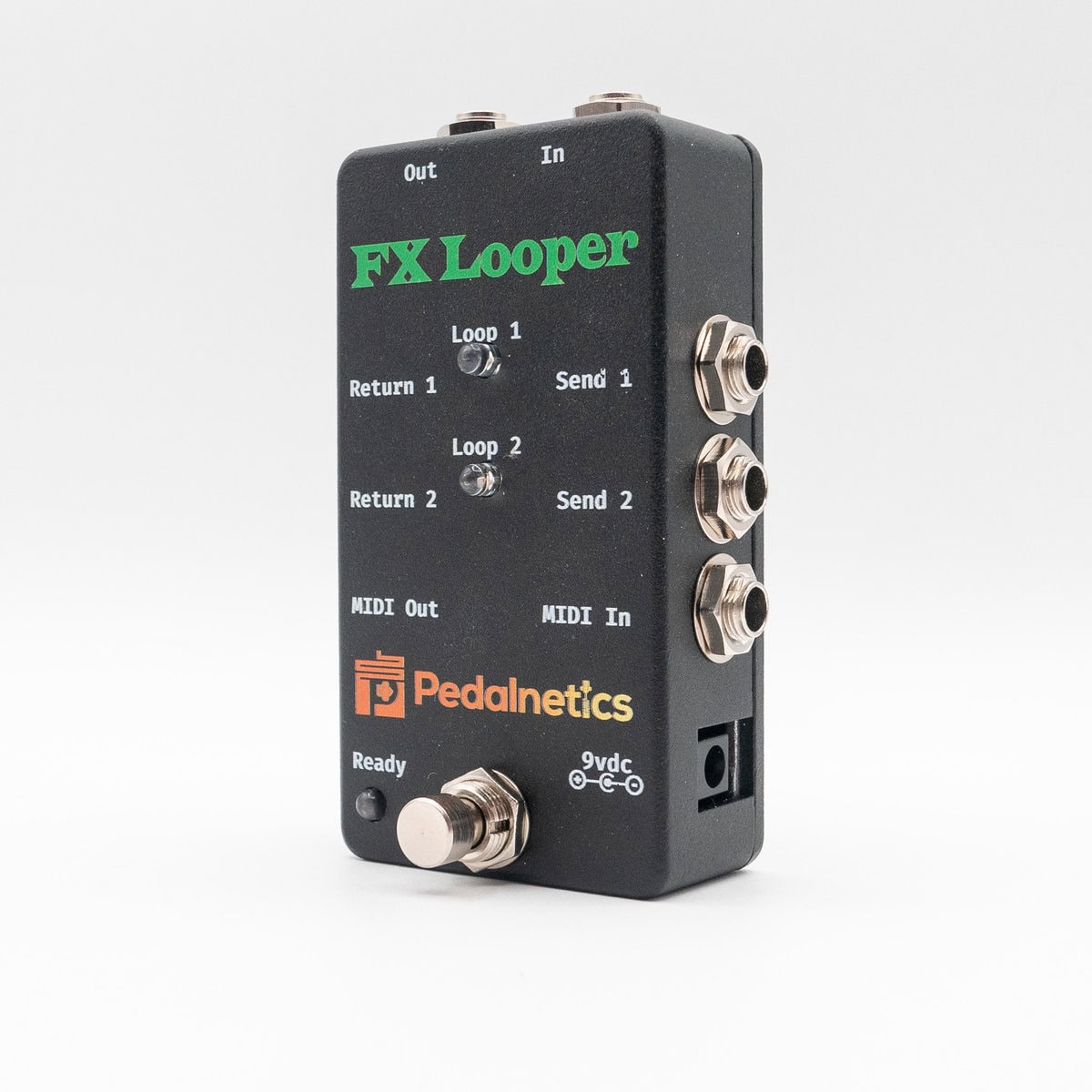
Footswitch:
- Quick press
- If neither loops are active, activate Loop 1
- If either loop is active by itself, toggle loops (if 1 is active, turn it off and activate 2; if 2 is active, turn it off and activate 1)
- If in chain mode, toggle the order of the chaining
- Long Press (1 second)
- If no loops are active, enable chain mode; starts with Send1 chained into Send2
- If anything is active, disable loops
MIDI Commands:
PC10 – No loops Active
PC11 – Loop 1 active
PC12 – Loop 2 active
PC20 – Toggle between active loops (if 1 is active, turn it off and activate 2; if 2 is active, turn it off and activate 1); If in Chain mode, switch the chain order
PC31 – Chain: Activate both loops, FX1 into FX2; Input -> FX1 -> FX2 -> Output
PC32 – Chain: Activate both loops, FX2 into FX1; Input -> FX2 -> FX1 -> Output
To change the MIDI Channel:
When the unit boots, it will test all 3 lights, turn them off, then flash the MIDI channel. Each Green flash is +5, each Red flash is +1. Add them up, and that's the MIDI channel. By default, it's on Channel 4.
To change the channel, first send PC125, then send PC(1-16) to set the MIDI channel to that channel. The unit will reboot to the new MIDI channel.
PC>16 will exit MIDI channel change mode
To set the default boot mode:
First send PC126, then:
PC0 – All loops off on boot
PC1 – Loop1 active on boot
PC2 – Loop2 active on boot
PC3 – Loop 1 into Loop 2, active on boot
PC4 – Loop2 into Loop 1, active on boot
PC > 4 – Exit default boot edit mode
The unit will reboot to the new default mode if you sent pc0-4.



Reviews
There are no reviews yet